

10 Creative Ways to Use SVG Files in Your Crafts (2026)

SVG Tutorials
10 Creative Ways to Use SVG Files in Your Crafts (2026)
From vinyl decals to 3D papercraft — unlock every possibility with your Cricut machine
📋 Table of Contents
- Why SVG Files Are the Crafter’s Best Tool
- 1. Custom Vinyl Decals for Mugs & Tumblers
- 2. Iron-On HTV Shirts & Tote Bags
- 3. Personalized Home Décor Signs
- 4. Intricate Paper Cards & Gift Tags
- 5. Leather Earrings & Keychains
- 6. 3D Papercraft & Shadow Boxes
- 7. Holiday Decorations & Wreaths
- 8. Stencils for Wood & Chalkboard
- 9. Cake Toppers & Party Decor
- 10. Sublimation & Infusible Ink Projects
- Best SVG Bundles for All These Projects
- Frequently Asked Questions
Why SVG Files Are Every Crafter’s Best Tool
If you own a Cricut Explore, Maker, or Joy, SVG files are the backbone of everything you create. Unlike JPGs or PNGs, SVGs are vector-based — they scale to any size without losing quality, carry cutting path data your machine reads directly, and let you edit individual layers in Cricut Design Space.
The best part? One SVG file can be used for a dozen different projects across dozens of materials. Here are 10 creative ways to get maximum value from your SVG collection.
💡 Pro Tip: Always weed your vinyl design on a light box or bright surface — you’ll catch missed cuts every time.
1. Custom Vinyl Decals for Mugs & Tumblers
Permanent vinyl + any SVG = a professional decal in under 15 minutes. Use Oracle 651 for outdoor durability and Oracle 631 for indoor removable decals. Transfer tape picks up your weeded design and repositions it perfectly on any smooth surface — mugs, tumblers, water bottles, car windows, laptops.
Materials needed:
- Permanent vinyl (Oracle 651 or Cricut Premium Vinyl)
- Transfer tape (medium tack)
- Weeding tool & brayer/squeegee
- Cricut Explore Air 2, Maker, or Joy
2. Iron-On HTV for Custom Shirts & Tote Bags
Heat Transfer Vinyl (HTV) turns any SVG into a wash-safe design on fabric. Load your mat with HTV shiny-side down, cut, weed, then press with a heat press or household iron at 305°F for 15–20 seconds. Works on cotton, polyester, canvas, and denim.
💡 Pro Tip: Mirror your design before cutting HTV! Forget once and you’ll never forget again.
3. Personalized Home Décor Signs
Adhesive vinyl on wood planks creates the farmhouse signs you see in every home décor store for a fraction of the price. Use a font-based SVG for a family name sign, floral SVGs for seasonal decorations, or quote SVGs for inspirational wall art. Sand and paint your wood base first for a pro finish.
4. Intricate Paper Cards & Gift Tags
Cricut’s ability to cut through cardstock opens up a world of dimensional paper crafts. Layered SVG designs create greeting cards with depth, 3D flowers, and ornate gift tags. Use Cricut’s Fine Point Blade for detailed cuts — go as slow as setting 2 for ultra-intricate patterns.
5. Faux Leather Earrings & Keychains
The Cricut Maker 3’s rotary blade cuts faux leather sheets perfectly. Earring SVG packs are some of the top-selling designs on Etsy. Pair with gold-tone earring hooks for a jewelry line you can build into a business. A single faux leather sheet (~$3) yields 8–12 pairs.
6. 3D Papercraft & Shadow Box Art
Layered SVG scenes become stunning 3D shadow boxes. Cut each layer in a different shade, stack with foam adhesive squares for depth, and frame behind glass. Florals, mandalas, forest scenes, and cityscapes all look incredible — and take about 45 minutes to assemble.
7. Holiday Decorations & Wreaths
SVG files make seasonal decorating faster and cheaper than buying pre-made decorations. Cut wood shapes with the Cricut Maker, vinyl letters for “Merry Christmas” banners, or felt ornaments with the rotary blade. Our free seasonal SVG collection updates every major holiday.
8. Stencils for Wood & Chalkboard Painting
Cut your SVG from Stencil Vinyl (repositionable, low-tack) and use it as a reusable paint stencil on wood, chalkboards, walls, or fabric. Apply mod podge along the edges before painting to prevent bleed. One stencil can be used 10+ times.
💡 Pro Tip: Freeze your paint brush slightly before stenciling — cold paint is thicker and won’t bleed under the edges.
9. Cake Toppers & Party Décor
Cut SVG designs from food-safe cardstock or acrylic with the Cricut Maker for stunning cake toppers, balloon tassels, and banner letters. Birthday parties, baby showers, weddings — personalized party décor made in hours instead of days. Just hot-glue to bamboo skewers for the toppers.
10. Sublimation & Infusible Ink Projects
Cricut Infusible Ink sheets + SVG designs = permanent, photorealistic transfers that actually bond with the material (no peeling, ever). Works on Cricut-compatible tote bags, coasters, t-shirts, and ceramic mugs. The colors come out even more vivid than regular HTV.
⭐ Best SVG Bundles for All These Projects
🏆 500,000+ Ultimate SVG Mega Bundle
Half a million designs covering every theme — flowers, animals, quotes, holidays, mandalas, fonts. One purchase, unlimited projects forever.
🏆 Top Recommended SVG Bundles
Looking for the best SVG files for your Cricut? These bundles are top-rated by thousands of crafters:
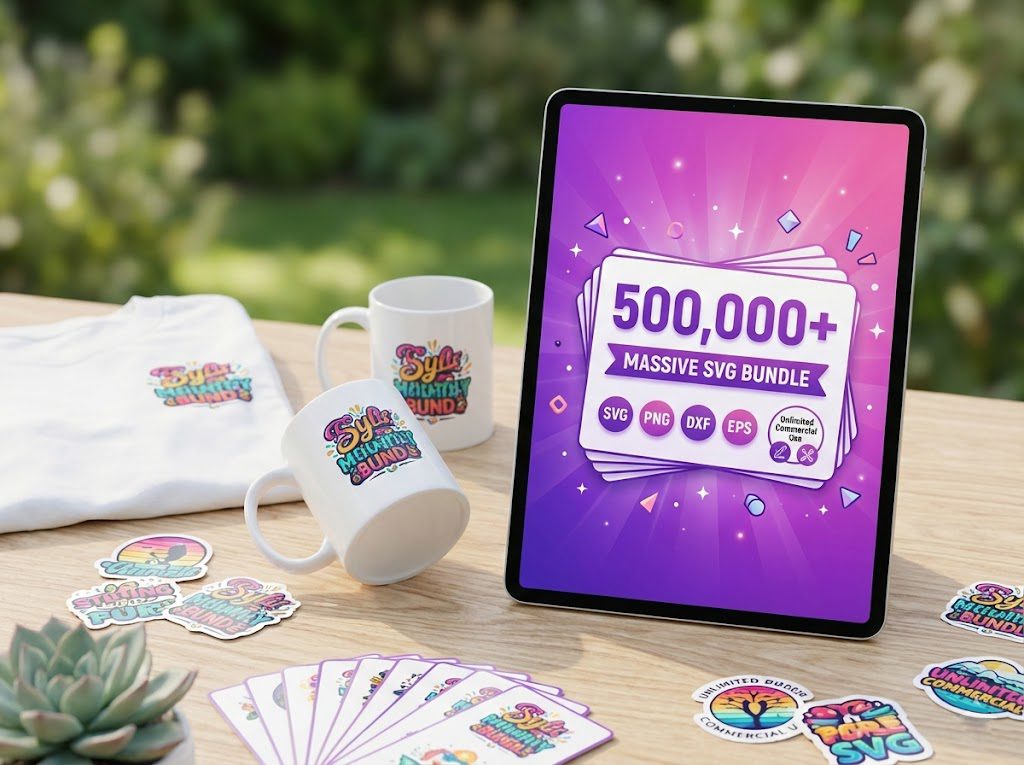
500,000+ Ultimate SVG Mega Bundle
The most complete SVG library available — 500,000+ designs covering every theme, holiday, hobby and style. Instant download, commercial license included.
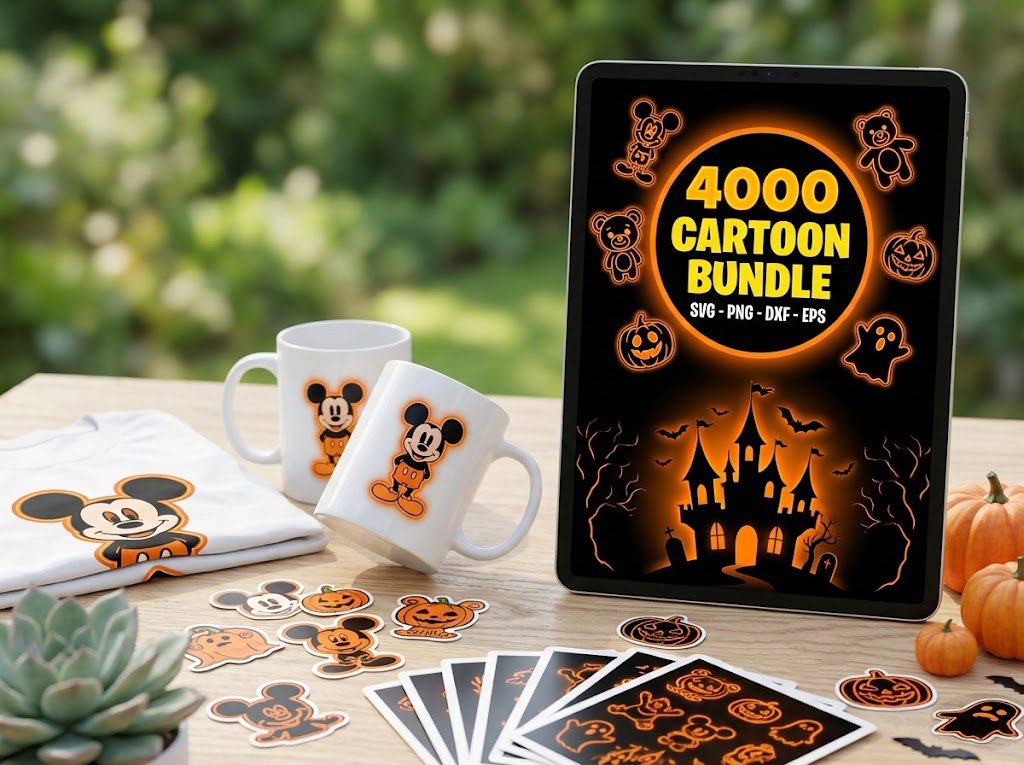
4,000+ Magical Mega SVG Bundle
4,000+ beautifully designed SVG files at an incredible price. Perfect for crafters who want variety without breaking the bank.
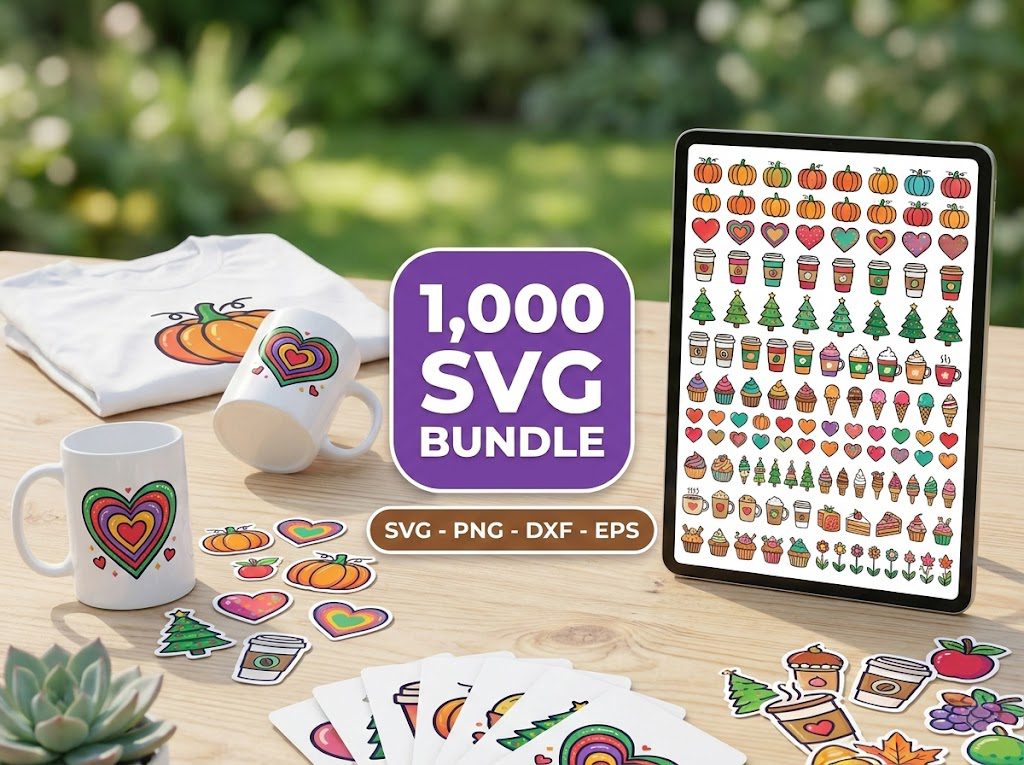
The Ultimate Cricut SVG Collection
Curated specifically for Cricut users — every file is optimized for Design Space with clean cuts and layered designs.
⭐⭐⭐⭐⭐ 4.96/5 (26 reviews)
✨ 4,000+ Magical SVG Bundle
Curated fairy tale, fantasy, and nature designs — perfect for earrings, signs, and seasonal projects.
⭐⭐⭐⭐⭐ 5.00/5 (24 reviews)
🎁 Get FREE SVG Files Today!
100+ free designs — Cricut & Silhouette ready, instant download, no signup needed!
🎁 Want Free SVG Files First?
Not ready to buy yet? Grab our free SVG files — updated weekly, no sign-up required. Perfect for testing your Cricut before investing in a bundle.