

Blog
Top SVG Files for Cricut Projects in 2026

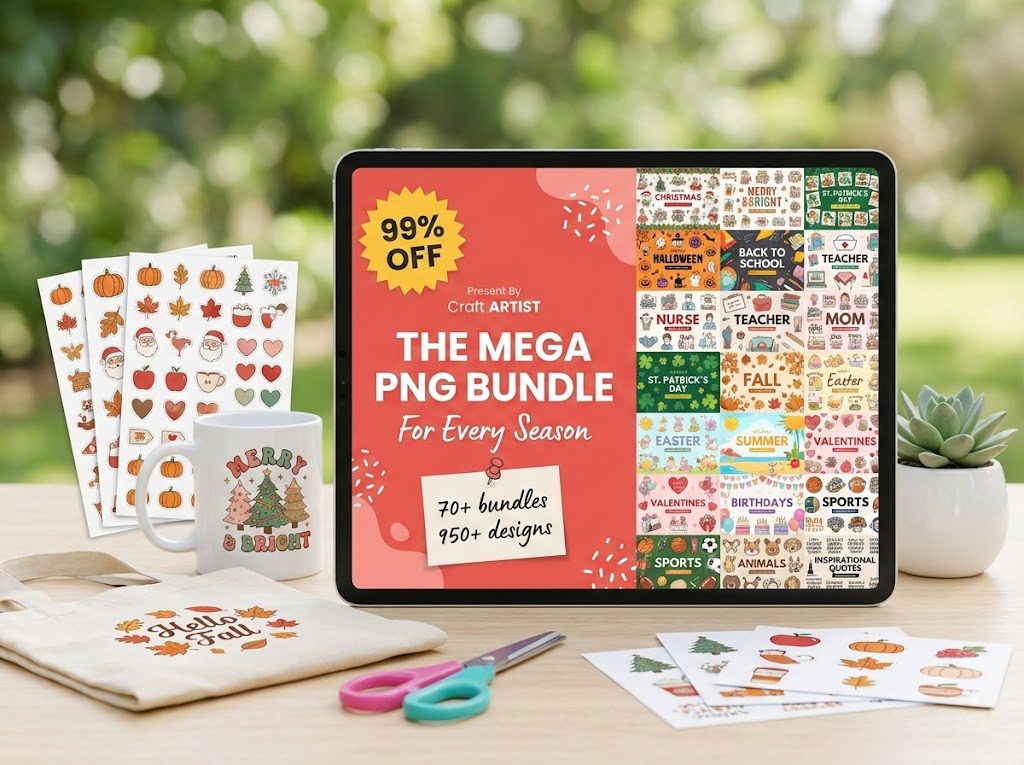
Top SVG Files for Cricut Projects in 2026
As we step into 2026, the world of crafting continues to embrace the digital age with open arms, especially with tools like Cricut. Whether you’re a seasoned crafter or new to the world of electronic cutting machines, understanding SVG files for Cricut can elevate your projects to new heights. In this comprehensive guide, we’ll explore everything you need to know about using SVG files with your Cricut machine, highlight some of the best SVG products available, and provide resources for free SVG downloads.
📋 Table of Contents
📋 Table of Contents
What Are SVG Files and Why Are They Important for Cricut?
SVG, or Scalable Vector Graphics, is a file format used widely in the crafting community. Unlike raster images, SVG files are vector-based, meaning they can be resized without losing quality. This quality is crucial when using Cricut machines, as it ensures precision and clarity in cuts. Additionally, SVG files support transparency and can be easily manipulated in Cricut Design Space, making them ideal for a variety of projects.
How to Use SVG Files in Cricut Design Space
Using SVG files in Cricut Design Space is straightforward. To begin, download your SVG file from a reliable source like BundleArtSVG.com. Once downloaded, open Cricut Design Space, select “Upload”, and choose your file. After uploading, you can add it to your canvas for resizing and customization. For a step-by-step guide, check out our detailed article on how to use SVG files in Cricut Design Space.
Top SVG Projects to Try in 2026
The versatility of SVG files allows for a wide range of projects. Here are some ideas to get your creative juices flowing:
- Custom T-Shirts: Create personalized clothing with unique SVG designs that reflect your style.
- Home Decor: Craft beautiful wall art, decals, and signs using intricate SVG patterns.
- Party Supplies: Design custom invitations, cupcake toppers, and banners for any occasion.
- Gifts: Personalize mugs, tote bags, and more with SVG files for heartfelt gifts.
For more inspiration, explore our article on 10 Creative Ways to Use SVG Files.
SVG vs. PNG vs. DXF: Which Format for Cricut?
Choosing the right file format can impact the quality and ease of your project. SVG files are ideal due to their scalability and compatibility with Cricut Design Space. PNG files, while suitable for print projects, lack the vector quality needed for cutting. DXF files are another vector option but are often used when SVG files are unavailable. For a deeper comparison, visit our post on SVG vs PNG vs DXF: Which Format for Cricut?.
Best SVG Products for Cricut Projects
Our marketplace offers a variety of SVG bundles perfect for Cricut enthusiasts:
- 500,000+ Ultimate SVG Mega Bundle – $29.99. Rated 4.96/5 by 26 reviews, this bundle is a treasure trove for any crafter looking to expand their collection.
- 4,000+ Magical Mega SVG Bundle – $7.99. With a perfect rating of 5.00/5 from 24 reviews, this bundle offers a whimsical variety of designs.
- The Ultimate Cricut SVG Collection – $4.99. This collection is highly rated at 5.00/5 and is a must-have for creating stunning projects.
Free SVG Resources
Looking for free SVG files to start your next project? Browse our free SVG files (no signup required). Our freebies page offers a variety of designs, from seasonal themes to everyday essentials, perfect for Cricut users.
🏆 Top Recommended SVG Bundles
Looking for the best SVG files for your Cricut? These bundles are top-rated by thousands of crafters:
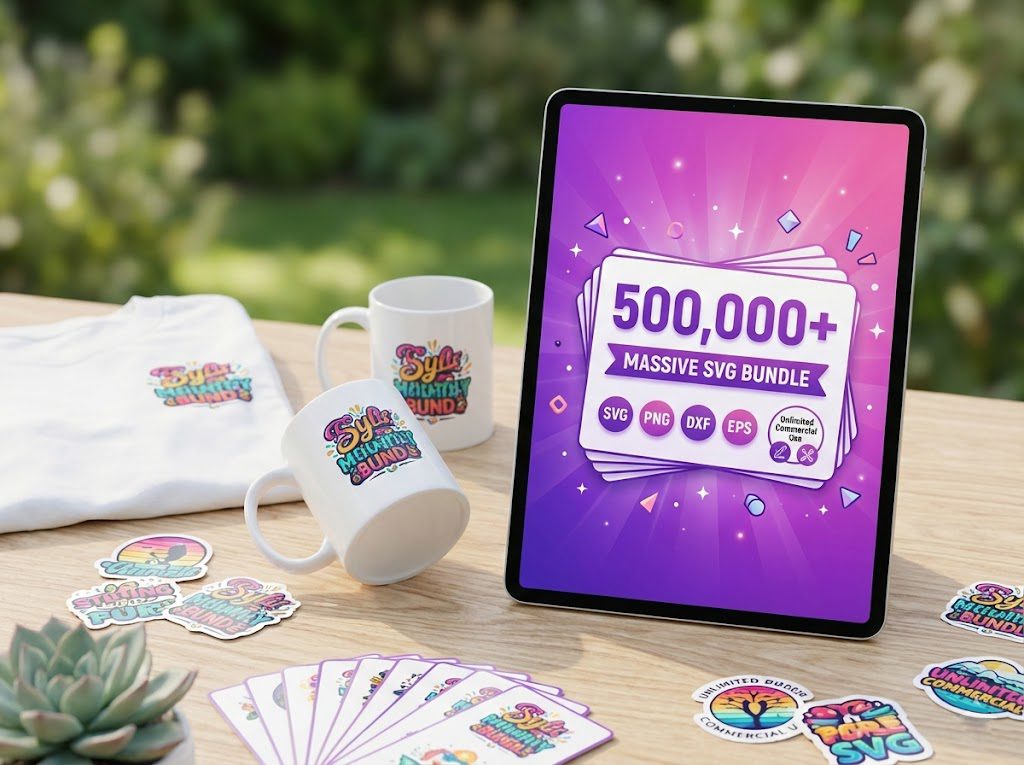
500,000+ Ultimate SVG Mega Bundle
The most complete SVG library available — 500,000+ designs covering every theme, holiday, hobby and style. Instant download, commercial license included.
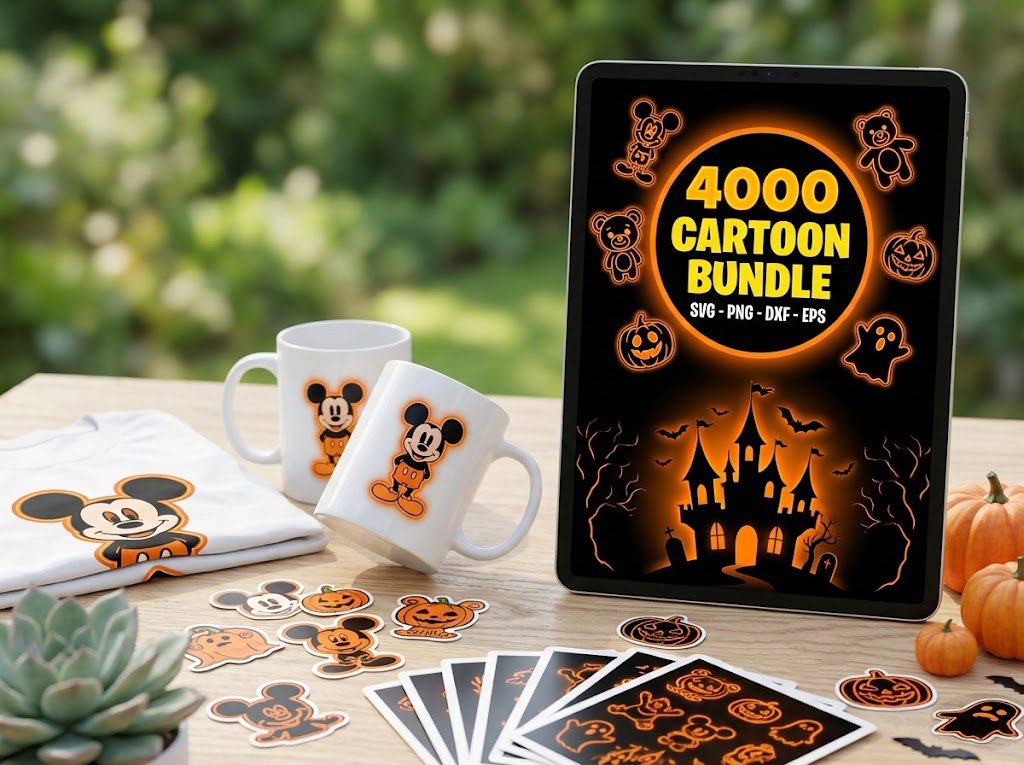
4,000+ Magical Mega SVG Bundle
4,000+ beautifully designed SVG files at an incredible price. Perfect for crafters who want variety without breaking the bank.
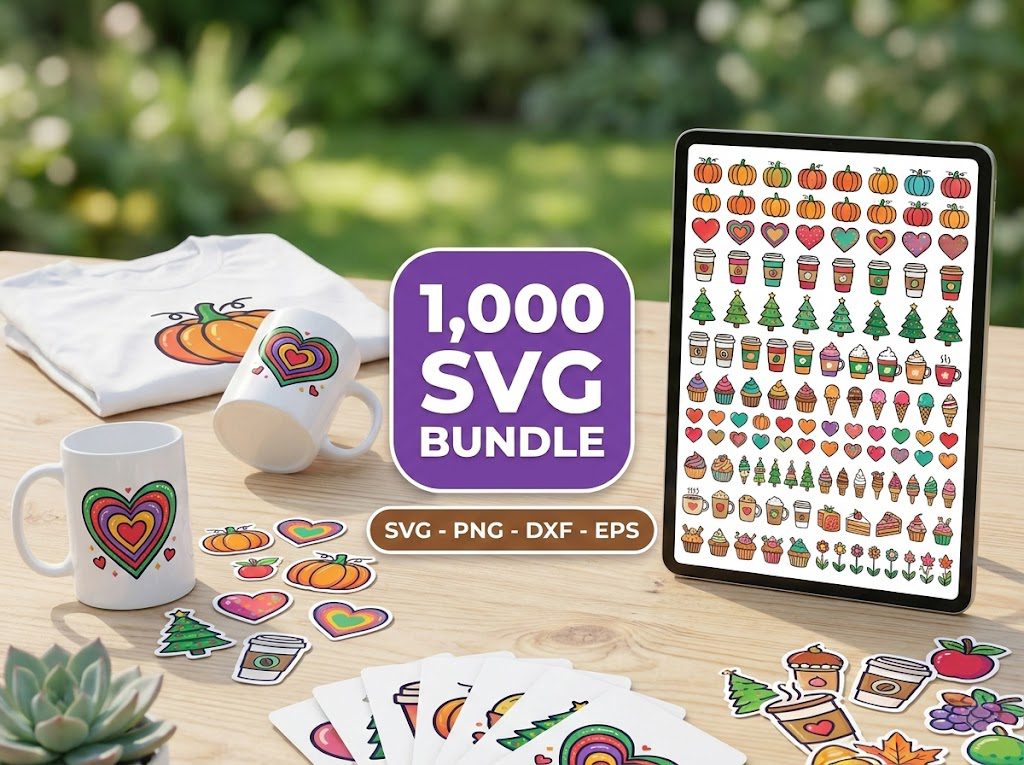
The Ultimate Cricut SVG Collection
Curated specifically for Cricut users — every file is optimized for Design Space with clean cuts and layered designs.
🎁 Want Free SVG Files First?
Not ready to buy yet? Grab our free SVG files — updated weekly, no sign-up required. Perfect for testing your Cricut before investing in a bundle.
Frequently Asked Questions
What are SVG files used for in Cricut?
SVG files are used in Cricut for creating precise and scalable designs that can be cut, drawn, or printed on various materials.
Can you use PNG files with Cricut?
Yes, PNG files can be used for print-and-cut projects, but lack the vector properties necessary for cutting intricate designs.
How do I convert a PNG to an SVG for Cricut?
To convert PNG to SVG, you can use online converters or design software like Adobe Illustrator or Inkscape.
Why is my SVG file not uploading to Cricut Design Space?
Ensure your SVG file is not corrupted and is the correct format. Try re-downloading or using a different file if issues persist.
Where can I find affordable SVG files for my Cricut?
BundleArtSVG.com offers a wide range of affordable SVG bundles that suit any crafting need, from general designs to specific themes.