

Blog
Mastering SVG Files for Cricut: A Comprehensive Guide for 2026

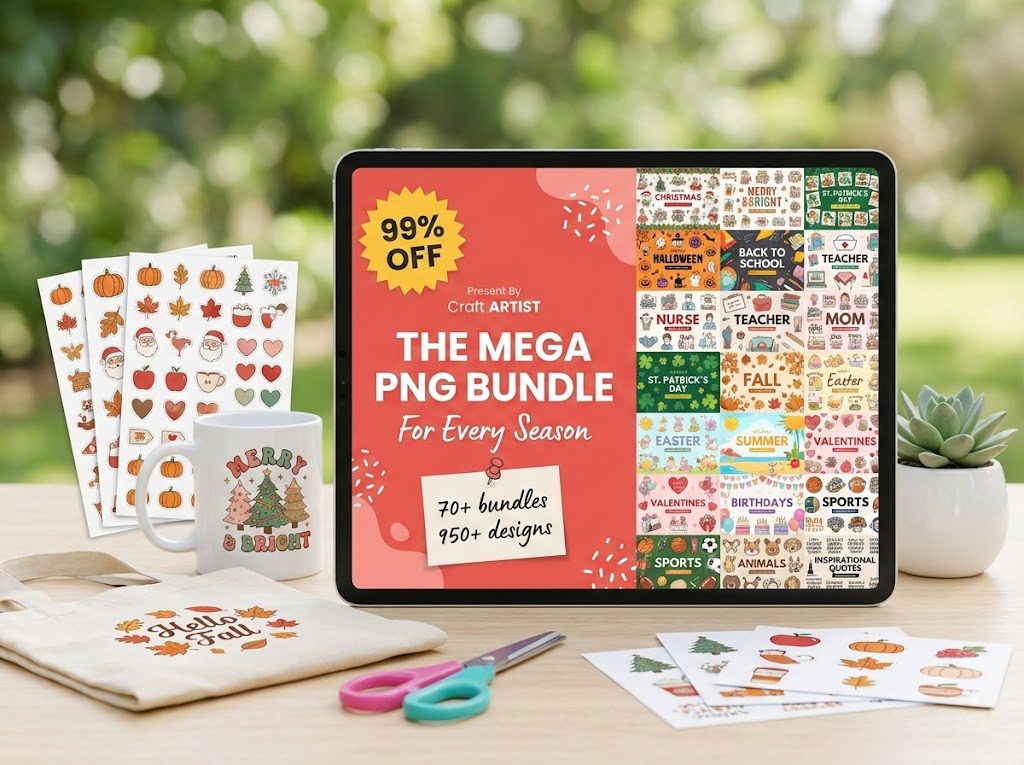
Mastering SVG Files for Cricut: A Comprehensive Guide for 2026
Welcome to our complete guide on mastering SVG files for Cricut in 2026. Whether you’re a seasoned crafter or just getting started, understanding how to efficiently use SVG files with your Cricut machine can elevate your crafting projects to new heights. In this article, we’ll explore everything from the basics of SVG formats to advanced tips for creating stunning designs. We’ll also highlight some of the best SVG products available and share valuable free resources for crafters.
📋 Table of Contents
📋 Table of Contents
Understanding SVG Files and Why They Matter
SVG, or Scalable Vector Graphics, is a file format that allows for high-quality image scaling without loss of resolution. This is crucial for Cricut users, as it ensures that designs maintain their clarity and detail, no matter the size of the project. SVG files are favored for Cricut projects due to their versatility and ability to be easily edited and resized. They are the go-to choice for intricate designs, layered projects, and anything requiring precision.
Setting Up SVG Files in Cricut Design Space
Using SVG files in Cricut Design Space is straightforward, but optimizing the process can save time and improve results. Start by uploading your SVG file into the Design Space. Once uploaded, you can ungroup elements, adjust sizes, and customize colors. For a step-by-step guide, check out our detailed article on How to Use SVG Files in Cricut Design Space.
Top Tips for Working with SVG Files
- Organize Your Files: Keep your SVG files organized by project or theme to easily find and use them.
- Preview Before Cutting: Always preview your design in Cricut Design Space to ensure everything is aligned and will cut properly.
- Use Quality Bundles: Investing in quality SVG bundles can save time and provide a variety of options for your projects.
For additional tips and creative ways to utilize SVG files, explore our post on 10 Creative Ways to Use SVG Files.
Choosing the Right SVG Format
When working with different formats, it’s important to understand the advantages of SVG over other options like PNG and DXF. SVG files are best for designs that require resizing and intricate details without losing quality. For more insights into selecting the appropriate format, read our comparison guide on SVG vs PNG vs DXF: Which Format for Cricut?.
Best SVG Products for Cricut
To enhance your crafting experience, consider these top SVG products:
- 500,000+ Ultimate SVG Mega Bundle – $29.99 – Rating: 4.96/5 (26 reviews). This mega bundle offers an extensive collection of SVG files suitable for any project.
- 4,000+ Magical Mega SVG Bundle – $7.99 – Rating: 5.00/5 (24 reviews). Perfect for adding a touch of magic to your creations.
- The Ultimate Cricut SVG Collection – $4.99 – Rating: 5.00/5. This collection provides a wide range of designs tailored specifically for Cricut users.
Free SVG Resources
If you’re looking to explore SVG files without a financial commitment, we offer a range of free SVG files that require no signup. Browse our free SVG files (no signup required) to discover designs perfect for testing new techniques or starting new projects.
🏆 Top Recommended SVG Bundles
Looking for the best SVG files for your Cricut? These bundles are top-rated by thousands of crafters:
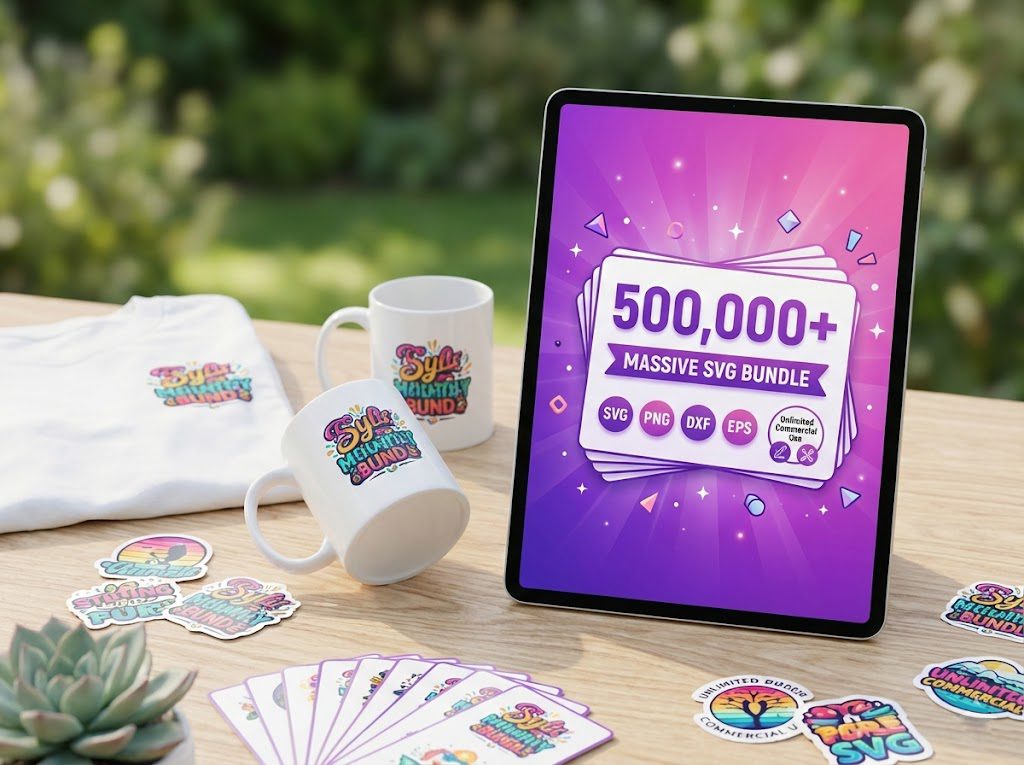
500,000+ Ultimate SVG Mega Bundle
The most complete SVG library available — 500,000+ designs covering every theme, holiday, hobby and style. Instant download, commercial license included.
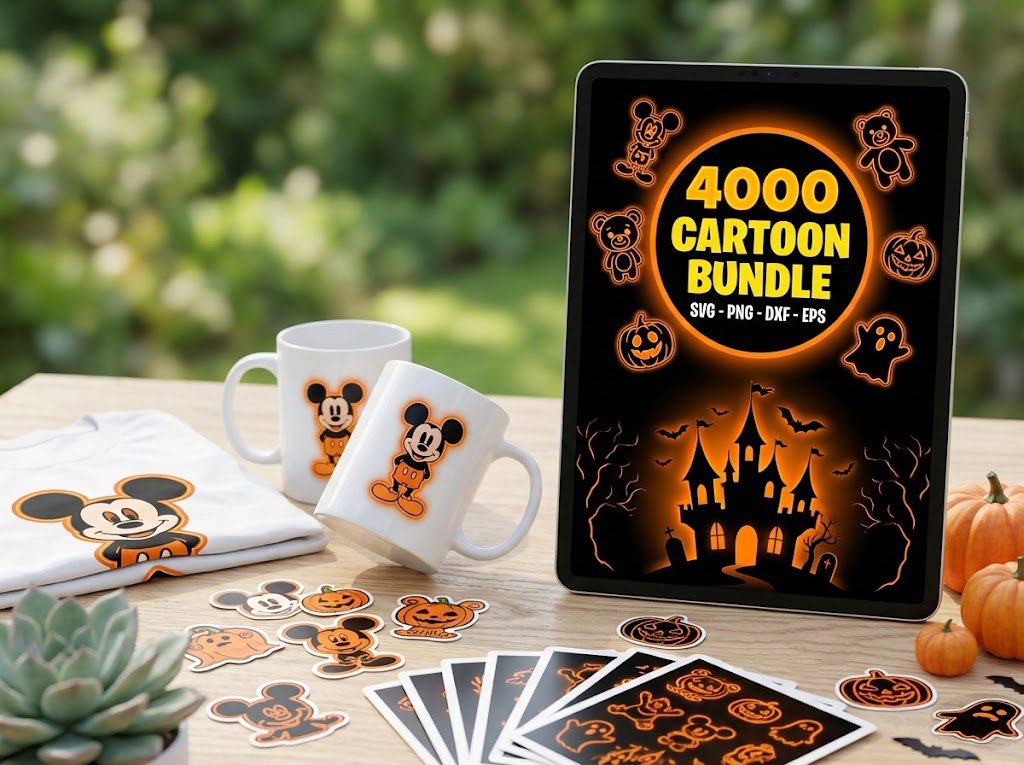
4,000+ Magical Mega SVG Bundle
4,000+ beautifully designed SVG files at an incredible price. Perfect for crafters who want variety without breaking the bank.
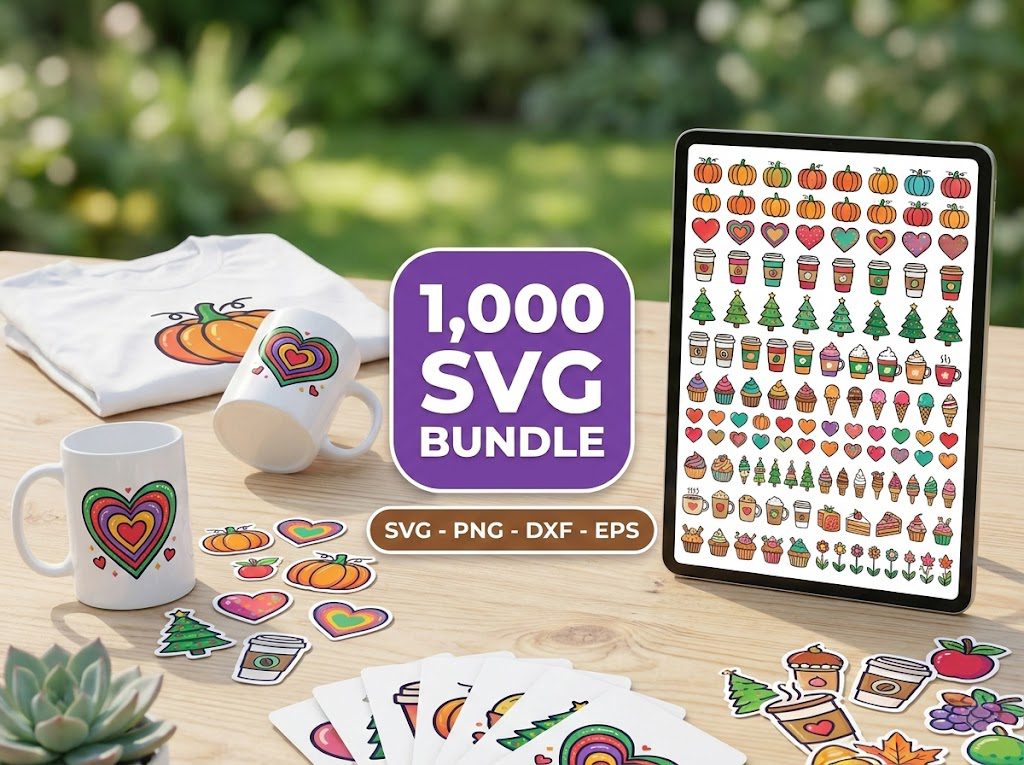
The Ultimate Cricut SVG Collection
Curated specifically for Cricut users — every file is optimized for Design Space with clean cuts and layered designs.
🎁 Want Free SVG Files First?
Not ready to buy yet? Grab our free SVG files — updated weekly, no sign-up required. Perfect for testing your Cricut before investing in a bundle.
Frequently Asked Questions
What makes SVG files ideal for Cricut machines?
SVG files are ideal for Cricut machines because they maintain high quality at any size, are easily editable, and support detailed designs essential for intricate crafting projects.
How can I convert an image to SVG for Cricut?
You can convert an image to SVG using graphic design software like Adobe Illustrator or free online converters. Ensure your design is clean and simplified for the best results.
Are there free tools to edit SVG files?
Yes, free tools like Inkscape and Vectr allow you to edit SVG files efficiently, providing a cost-effective way to customize your designs.
What should I do if my SVG file isn’t uploading to Cricut Design Space?
If your SVG file isn’t uploading, check that the file isn’t corrupted, ensure it’s unzipped, and verify that it’s compatible with Cricut Design Space.
How do I use layers in SVG files with Cricut?
In Cricut Design Space, you can ungroup SVG elements to manage layers individually, allowing you to customize colors, cut order, and more for your project.