

Blog
Halloween SVG Files for Cricut: 100+ Spooky Designs (Free Included)

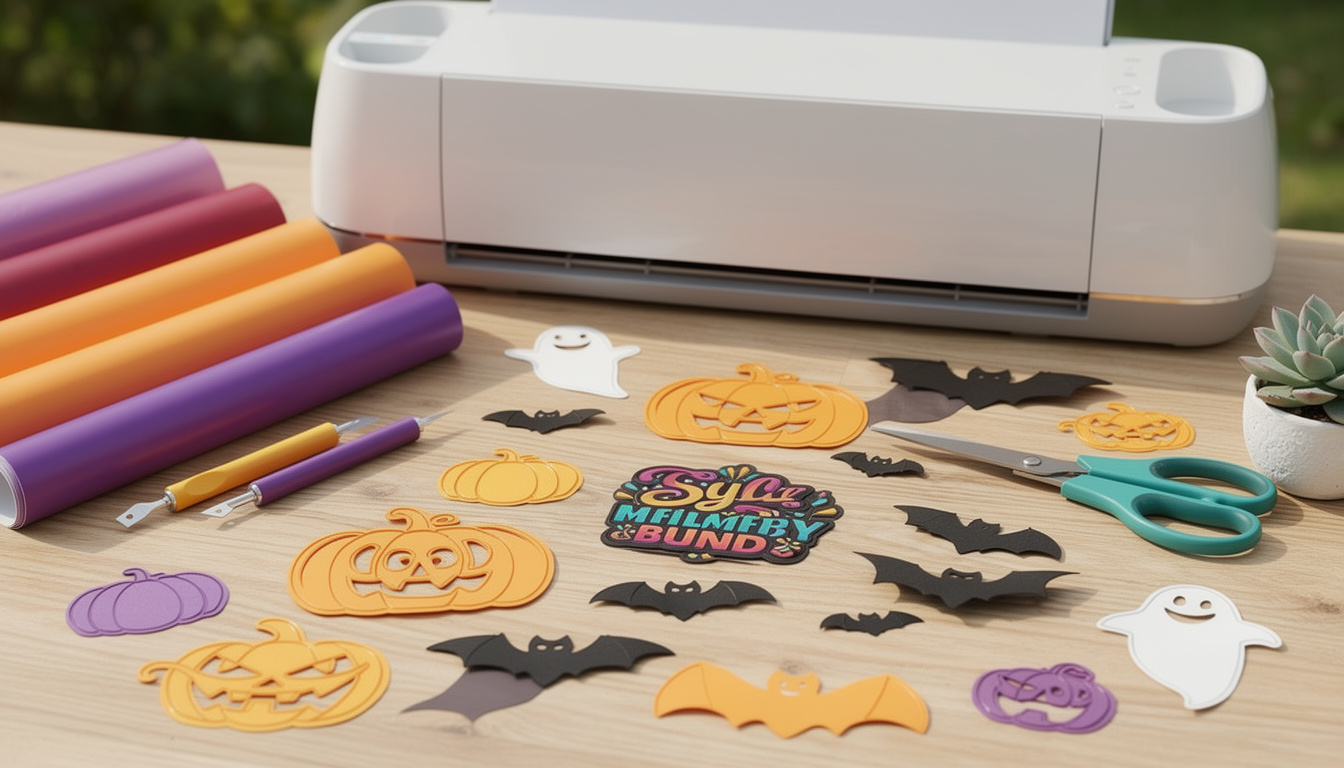
As the chill of October descends and the leaves turn crispy underfoot, Halloween enthusiasts and crafting aficionados alike are on the hunt for the perfect designs to bring their spooky visions to life. Whether you’re decorating for a Halloween party, creating unique costumes, or simply indulging in some seasonal crafting, our collection of Halloween SVG files for Cricut free offers everything you need. Dive into our diverse selection of over 100 spooky SVG Cricut designs that promise to enchant and inspire.
Why Choose Halloween SVG Files for Cricut?
SVG files, short for Scalable Vector Graphics, are a popular choice among crafters and designers, especially those using Cricut machines. These files are celebrated for their versatility and high-quality graphics, allowing for seamless resizing without any loss of clarity. This makes them ideal for a wide range of Halloween projects, from intricate decorations to simple cutouts. By using Halloween SVG files for Cricut free, you can easily customize your designs to fit any crafting need, ensuring a unique and professional finish every time.
Top Spooky SVG Cricut Designs to Try This Halloween
Our collection includes a variety of spooky SVG Cricut designs that cater to all tastes and preferences. From classic motifs like witches and ghosts to intricate sugar skulls and eerie haunted houses, there’s something for everyone. Here are some popular themes to consider:
- Witchy Wonders: Create spellbinding decorations with witch hats, broomsticks, and cauldrons.
- Ghoulish Ghosts: Add a spectral touch with ghostly figures and haunting silhouettes.
- Monstrous Mash: Experiment with Frankenstein, vampires, and other classic monsters.
- Jack-o’-Lantern Joy: Craft iconic pumpkin faces and spooky carvings.
How to Use SVG Files with Your Cricut Machine
Utilizing these Halloween Cricut designs is straightforward, even for beginners. Here’s a step-by-step guide to get you started:
- Download the SVG files: Visit our freebies page to download the Halloween SVG files for Cricut free.
- Upload to Cricut Design Space: Open Cricut Design Space and upload the SVG file. This software allows you to edit and customize the design before cutting.
- Prepare Your Materials: Select your materials (e.g., vinyl, cardstock) and place them on the Cricut mat.
- Cut and Assemble: Follow the on-screen instructions to cut your design. Once cut, assemble and embellish as needed to complete your project.
Tips for Crafting the Perfect Halloween Decor
To ensure your Halloween decorations stand out, consider these professional tips:
- Layer Your Designs: Use multiple layers of SVG files to add depth and interest.
- Mix Materials: Combine different materials like glitter, foil, and patterned paper for a dynamic look.
- Experiment with Colors: While traditional Halloween colors are orange and black, don’t shy away from purples, greens, and metallics for a modern twist.
- Personalize Your Creations: Add names, dates, or messages to your designs for a personalized touch.
Get Started with BundleArtSVG.com
Ready to dive into the Halloween crafting spirit? Explore our extensive collection of Halloween SVG files for Cricut free and premium designs at BundleArtSVG.com. Our easy-to-use platform ensures you have access to the best spooky SVG Cricut designs, perfect for all your seasonal projects. Don’t forget to visit our freebies page for exclusive access to complimentary designs that you won’t find anywhere else!
Start crafting and let your creativity take center stage this Halloween with our exceptional range of SVG files. Happy Crafting!