

Blog
How to Use SVG Files in Cricut Design Space (Complete Beginner Guide)

How to Use SVG Files in Cricut Design Space: Complete Beginner Guide
Welcome to the world of crafting with Cricut! Whether you’re a seasoned maker or just starting your creative journey, learning how to use SVG files in Cricut Design Space can open up endless possibilities for your projects. SVG files are essential for creating intricate designs and customized crafts, making them a must-have for any Cricut enthusiast. In this guide, we’ll walk you through the basics of using SVG files, explain their significance, and provide practical tips to enhance your crafting experience.
📋 Table of Contents
📋 Table of Contents
What is an SVG File for Cricut?
Before diving into how to use SVG files in Cricut Design Space, it’s important to understand what an SVG file is. SVG stands for Scalable Vector Graphics. This type of file is perfect for Cricut projects because it allows designs to be scaled to any size without losing quality. Unlike raster images, SVG files maintain their crisp edges and details, making them ideal for cutting, engraving, and printing.
Do You Need Design Space to Use SVG?
Yes, Cricut Design Space is essential for using SVG files with your Cricut machine. Design Space is the software that connects your computer, tablet, or mobile device to your Cricut machine, allowing you to upload, edit, and cut your designs. Without Design Space, you won’t be able to transfer your SVG files to your Cricut for crafting. To get started, you can download Design Space for free from the Cricut website and set up your account.
Uploading SVG Files to Cricut Design Space
Now that you have a basic understanding of SVG files, let’s explore how to use SVG files in Cricut Design Space. Follow these simple steps to upload your SVG files:
- Open Cricut Design Space on your device.
- Click on “New Project” to start a blank canvas.
- On the left-hand menu, click on “Upload” and then “Upload Image.”
- Browse your computer to find the SVG file you want to use, then click “Open.”
- Once uploaded, name your file and add tags to organize it, then click “Save.”
- Your SVG will appear in the “Recently Uploaded” section. Select it and click “Insert Images” to add it to your canvas.
Editing SVG Files in Cricut Design Space
Once your SVG file is on the canvas, you can edit it to suit your project’s needs. Here’s how:
- Resize: Use the bounding box handles to resize your design. Holding the “Shift” key while dragging will maintain the aspect ratio.
- Ungroup: If your SVG file contains multiple elements, you can ungroup them to edit individually. Right-click on the design and select “Ungroup.”
- Change Colors: Select individual elements and use the color palette to change their colors. This helps visualize the final look of your project.
Practical Tips for Using SVG Files
To make the most out of how to use SVG files in Cricut Design Space, consider these practical tips:
- Organize Your Files: Keep your SVG files organized in folders with clear labels. This will save time when searching for specific designs.
- Test Cut: Before cutting your final material, do a test cut on a scrap piece to ensure settings are correct.
- Explore Freebies: Take advantage of free SVG files available online. You can find a variety of freebies to expand your collection without breaking the bank.
- Upgrade Your Skills: Regularly practice and experiment with new techniques. This will help you become more proficient in using SVG files.
Where to Find SVG Files for Cricut
Looking for high-quality SVG files to enhance your crafting projects? Visit BundleArtSVG for a wide selection of designs, including exclusive bundles and themed collections. Whether you’re interested in seasonal crafts or everyday designs, you’re sure to find something that sparks your creativity.
Conclusion: Start Crafting with SVG Files Today!
Understanding how to use SVG files in Cricut Design Space is a vital skill for any Cricut user. By following this guide, you can unlock new creative possibilities and elevate your crafting projects. Ready to start your next masterpiece? Visit BundleArtSVG today to explore our extensive collection of SVG files, crochet patterns, and coloring pages. Happy crafting!
🛒 Shop Our Top SVG Collections
- 500,000+ Ultimate SVG Mega Bundle ($29.99) — The ultimate SVG collection for every project
- The Ultimate Cricut SVG Collection ($4.99) — Optimized for Cricut Design Space
- Free SVG Downloads — Start crafting for free today
📖 Complete guide: The Ultimate Guide to SVG Files for Cricut
🏆 Top Recommended SVG Bundles
Looking for the best SVG files for your Cricut? These bundles are top-rated by thousands of crafters:
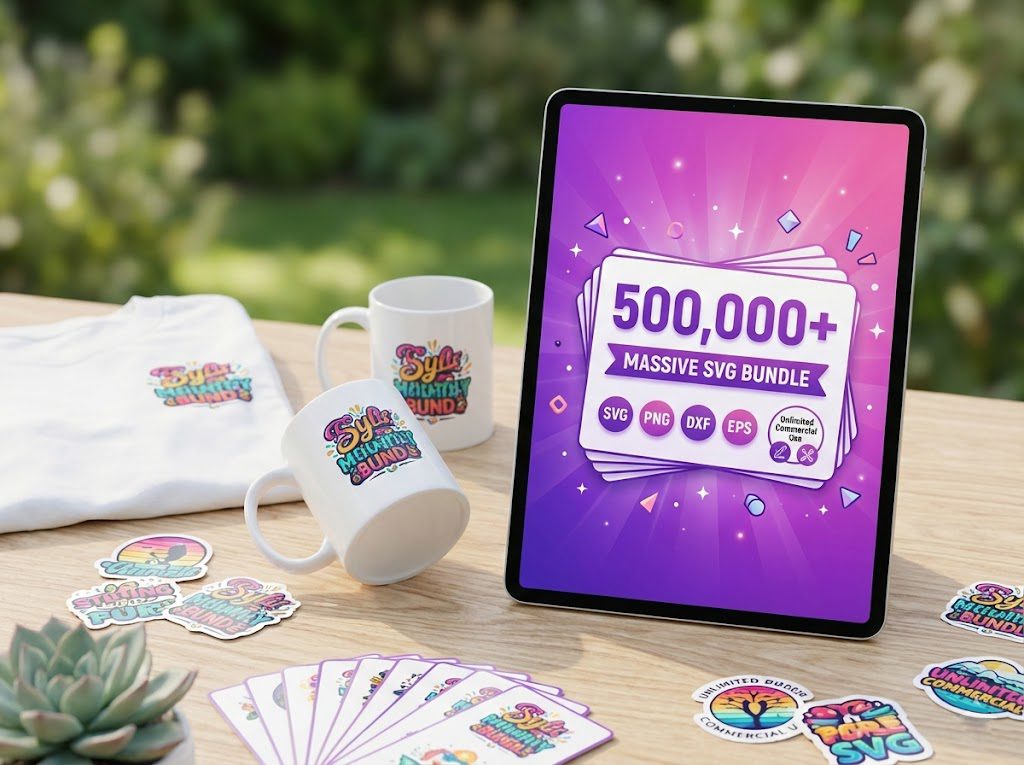
500,000+ Ultimate SVG Mega Bundle
The most complete SVG library available — 500,000+ designs covering every theme, holiday, hobby and style. Instant download, commercial license included.
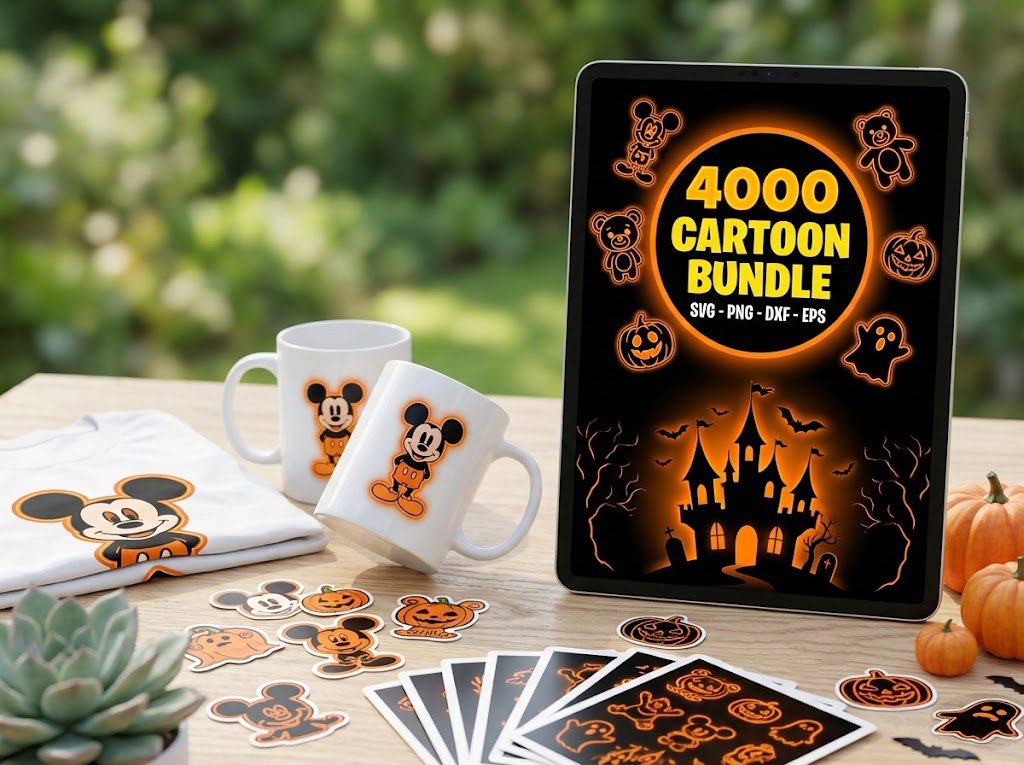
4,000+ Magical Mega SVG Bundle
4,000+ beautifully designed SVG files at an incredible price. Perfect for crafters who want variety without breaking the bank.
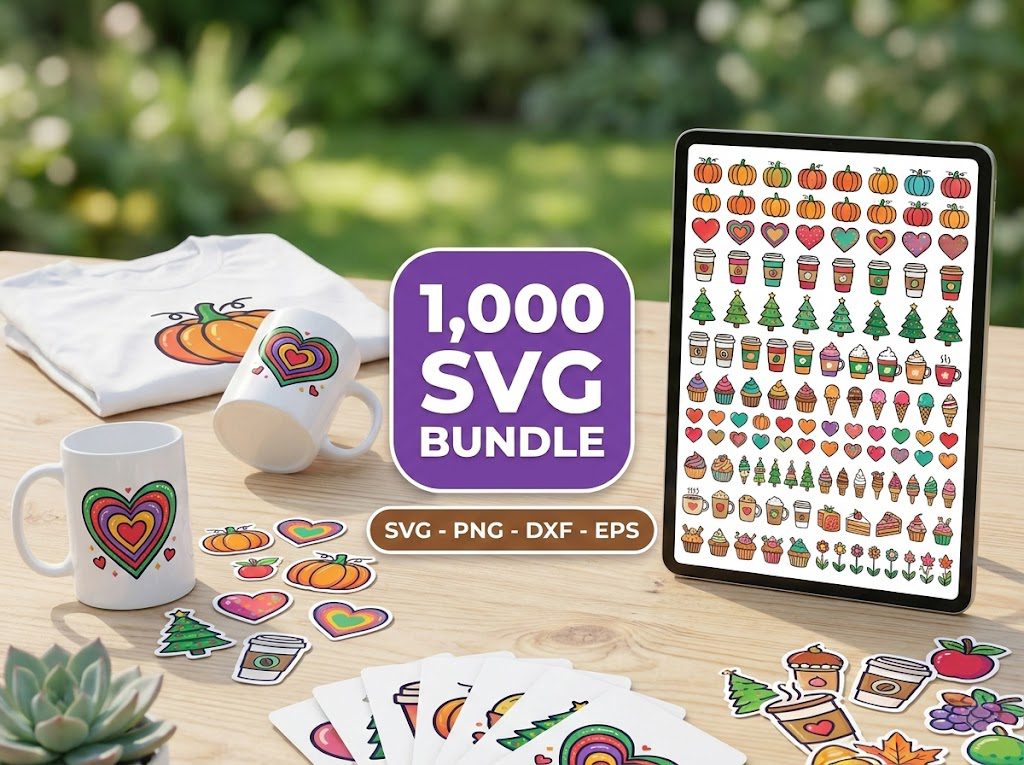
The Ultimate Cricut SVG Collection
Curated specifically for Cricut users — every file is optimized for Design Space with clean cuts and layered designs.
🎁 Want Free SVG Files First?
Not ready to buy yet? Grab our free SVG files — updated weekly, no sign-up required. Perfect for testing your Cricut before investing in a bundle.