

Blog
SVG vs PNG vs DXF: Which File Format Does Your Cricut Need?

SVG vs PNG vs DXF: Which File Format Does Your Cricut Need?
If you’re a crafting enthusiast using a Cricut machine, you know the importance of selecting the right file format for your projects. The debate often centers around SVG vs PNG for Cricut, but understanding the roles of these file types, along with DXF, can streamline your creative process. In this article, we will explore the differences between these formats to help you make the best choice for your crafting needs.
📋 Table of Contents
📋 Table of Contents
Understanding SVG Files for Cricut
SVG, or Scalable Vector Graphics, is a popular file format for Cricut users. SVG files are vector-based, meaning they use mathematical equations to create paths and shapes. This allows for infinite scalability without loss of quality, making them ideal for intricate designs. When you use an SVG for Cricut, you can manipulate the design’s size, shape, and color, providing a high level of customization.
Can Cricut Use PNG Files?
While SVG files are often preferred, many crafters wonder, “Can Cricut use PNG files?” The answer is yes, but with some limitations. PNG files are raster images, meaning they are composed of pixels. While PNGs support transparency and can be great for photo-quality images, they do not scale as well as SVGs. If you plan to resize a PNG significantly, you might encounter pixelation. For projects that require detailed cuts and complex designs, SVG is usually the better choice.
What is DXF for Cricut?
DXF, or Drawing Exchange Format, is another file type that Cricut users might encounter. Primarily used with CAD applications, DXF files are also vector-based and can be utilized for detailed cutting projects. However, DXF files are typically more complex and can be larger in size, which might slow down your Cricut machine. They are often used when importing designs from CAD software and can be a backup option if SVG files are unavailable.
Comparing SVG vs PNG for Cricut: Key Differences
When comparing SVG vs PNG for Cricut, several factors should be considered:
- Scalability: SVGs can be resized without losing quality, whereas PNGs may become pixelated.
- File Size: SVG files are typically smaller than DXF files but can be larger than PNGs, depending on the complexity of the design.
- Ease of Use: SVGs offer more flexibility for editing and customizing designs, while PNGs are more straightforward for simple projects.
- Design Complexity: SVGs are ideal for intricate designs, whereas PNGs are better suited for simple, non-scalable images.
Practical Tips for Choosing the Right File Format
When deciding between SVG vs PNG for Cricut, consider the following tips:
- Use SVG files for projects requiring detailed cuts and multiple layers.
- Opt for PNG files when working with photo-quality images or designs that do not require resizing.
- Choose DXF files if you are importing from CAD software and need to maintain design fidelity.
- Experiment with different formats to see which works best for your specific project and machine capabilities.
Final Thoughts and Recommendations
Selecting the right file format can significantly enhance your crafting experience with a Cricut machine. While SVG files generally offer the most versatility, understanding the nuances of PNG and DXF files allows you to expand your creative possibilities. For all your SVG needs, consider exploring a variety of designs and bundles at bundleartsvg.com. Whether you’re crafting for fun or for a business, having the right files at your disposal will ensure every project is a success.
Visit our SVG collection to find the perfect designs for your next Cricut project. Happy crafting!
🛒 Shop Our Top SVG Collections
- 500,000+ Ultimate SVG Mega Bundle ($29.99) — The ultimate SVG collection for every project
- The Ultimate Cricut SVG Collection ($4.99) — Optimized for Cricut Design Space
- Free SVG Downloads — Start crafting for free today
📖 Complete guide: The Ultimate Guide to SVG Files for Cricut
❓ Frequently Asked Questions
🏆 Top Recommended SVG Bundles
Looking for the best SVG files for your Cricut? These bundles are top-rated by thousands of crafters:
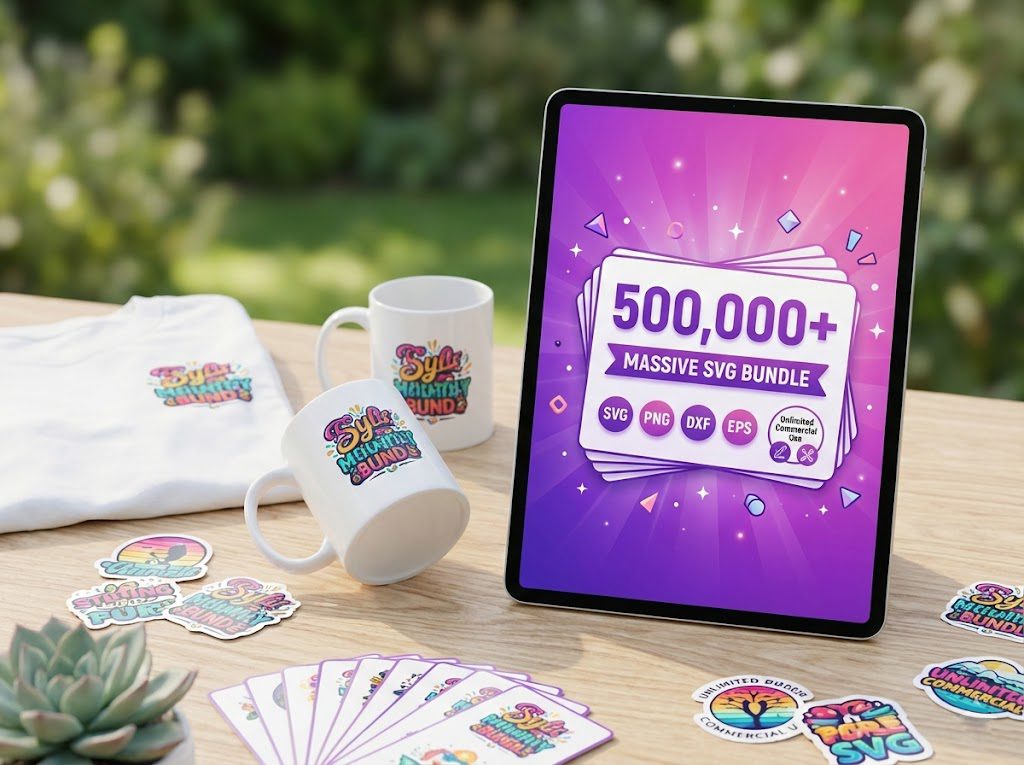
500,000+ Ultimate SVG Mega Bundle
The most complete SVG library available — 500,000+ designs covering every theme, holiday, hobby and style. Instant download, commercial license included.
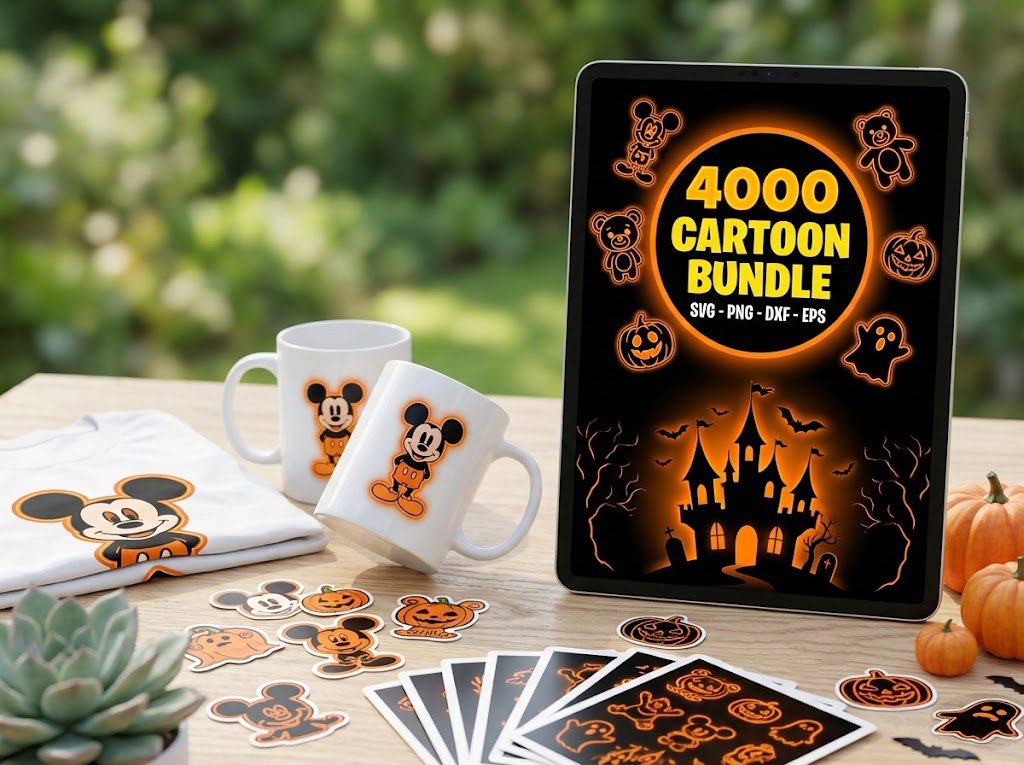
4,000+ Magical Mega SVG Bundle
4,000+ beautifully designed SVG files at an incredible price. Perfect for crafters who want variety without breaking the bank.
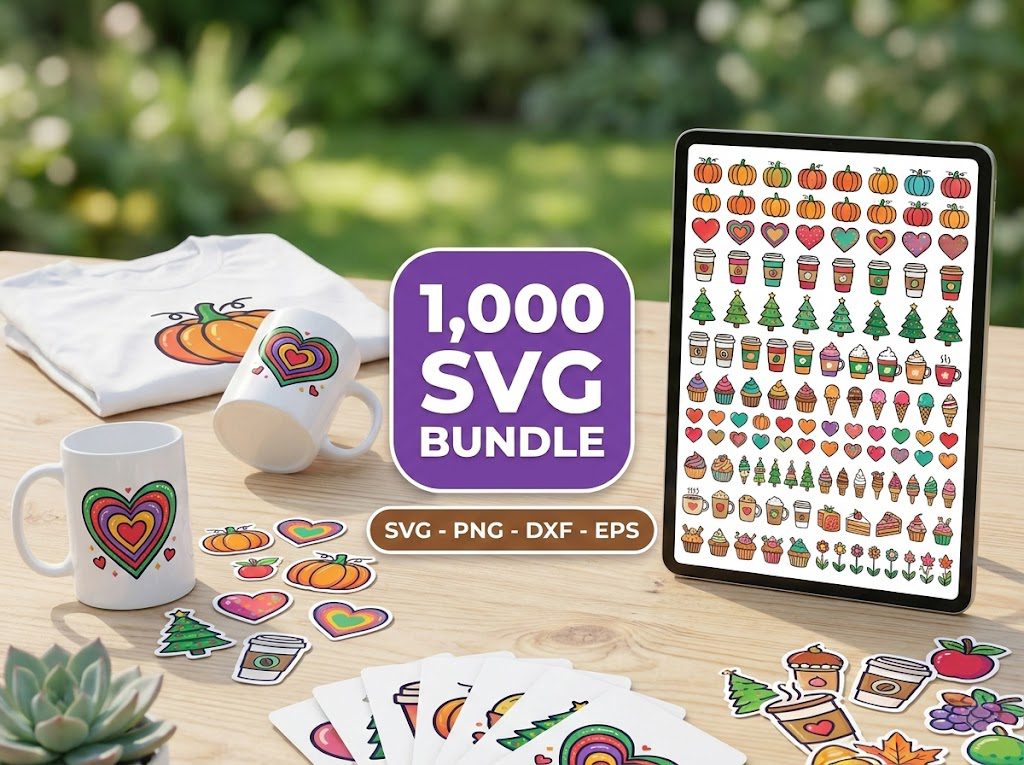
The Ultimate Cricut SVG Collection
Curated specifically for Cricut users — every file is optimized for Design Space with clean cuts and layered designs.