

Blog
The Ultimate Guide to SVG Design: From Beginner to Pro (2026)

SVG Tutorials
The Ultimate Guide to SVG Design: From Beginner to Pro (2026)
Everything you need to know about SVG files — how they work, how to edit them, and how to use them like a pro
📋 Table of Contents
📋 Table of Contents
What Is an SVG File? (Plain English)
SVG stands for Scalable Vector Graphic. Unlike a JPG or PNG which stores pixels (tiny colored squares), an SVG stores mathematical instructions — “draw a circle here, draw a curve there.” This means you can scale an SVG from the size of a stamp to the size of a billboard with zero quality loss.
For Cricut and Silhouette users, SVGs do something extra special: they contain cut path data — the exact lines your cutting machine follows. This is why SVGs are the preferred format over any other file type for die-cutting.
Infinite Scale
Resize from 1cm to 10m with zero pixelation
Cut Ready
Contains exact paths Cricut reads directly
Editable Layers
Change colors, remove elements, customize
Small File Size
10x smaller than equivalent PNG at same quality
SVG vs PNG vs DXF vs EPS — Which Format to Use?
| Format | Best For | Cricut? | Editable? |
|---|---|---|---|
| SVG | Cutting machines, web, print | ✓ Native | ✓ Full |
| PNG | Digital art, sublimation, printing | ⚠ With tracing | ✗ No |
| DXF | Older Cricut models, Silhouette | ✓ Yes | ⚠ Limited |
| EPS | Professional print, Illustrator | ✗ Not directly | ✓ With software |
Verdict: Always request SVG format. If a design only comes in PNG, use Cricut Design Space’s built-in “Trace” tool to auto-generate cut lines — it works well for high-contrast images.
Best Tools for Editing SVG Files
🆓 Inkscape (Free — Best for Beginners)
Open-source vector editor with full SVG support. Edit nodes, combine paths, convert text to curves, and export cut-ready SVGs. Available on Windows, Mac, and Linux.
💼 Adobe Illustrator (Professional Standard)
Industry standard for vector design. Powerful pen tool, live trace, and precise node editing. $20.99/month via Creative Cloud. Steep learning curve but unmatched for complex designs.
🎨 Canva (Easiest — Limited SVG Export)
Great for designing from scratch with drag-and-drop. Canva Pro allows SVG export. Not ideal for complex cut files but perfect for simple text-based designs.
💡 Pro Tip: For Cricut-specific editing, Cricut Design Space itself has surprisingly powerful tools — weld, flatten, slice, and attach are all you need for 90% of projects.
Using SVGs in Cricut Design Space (Step-by-Step)
- Upload: Click Upload → Upload Image → select your .svg file
- Type: Design Space auto-detects SVG — click Upload to confirm
- Insert: Find it in Recent Uploads → click → Insert Images
- Edit: Resize, recolor layers, weld text, or slice shapes as needed
- Make It: Click Make It → select material → load mat → cut!
Using SVGs in Silhouette Studio
Silhouette Studio Designer Edition or higher is required to open SVG files natively (the Basic edition doesn’t support SVG). Once upgraded, simply drag-and-drop the SVG into your workspace. All layers, colors, and cut lines import intact.
Pro Design Tips for Perfect Cuts Every Time
🔪 Blade Depth
Always do a test cut before cutting your full design. Adjust blade depth in increments of 1 until you cut cleanly through without dragging.
📏 Material Sizing
Always set your material size to match what’s on your mat. A slightly smaller setting (e.g., 11.5″ instead of 12″) prevents the machine from cutting into the mat edges.
🌡️ Heat Press Temps
Use a heat press over an iron when possible — consistent temperature and pressure = better adhesion. EasyPress 2 at 300°F for 30 seconds is the standard for most HTV brands.
🧹 Mat Maintenance
Revive sticky mats with baby wipes — wipe gently, let air dry 15 minutes, and the tack returns. A mat lasts 25–40 uses before needing replacement.
🏆 Top Recommended SVG Bundles
Looking for the best SVG files for your Cricut? These bundles are top-rated by thousands of crafters:
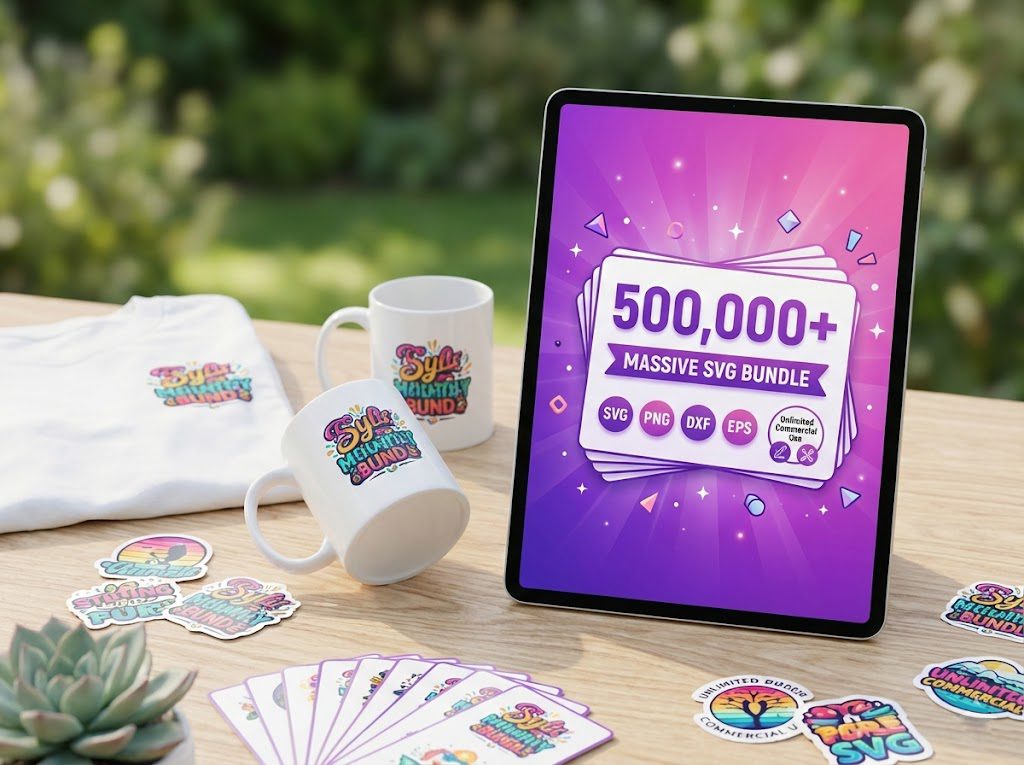
500,000+ Ultimate SVG Mega Bundle
The most complete SVG library available — 500,000+ designs covering every theme, holiday, hobby and style. Instant download, commercial license included.
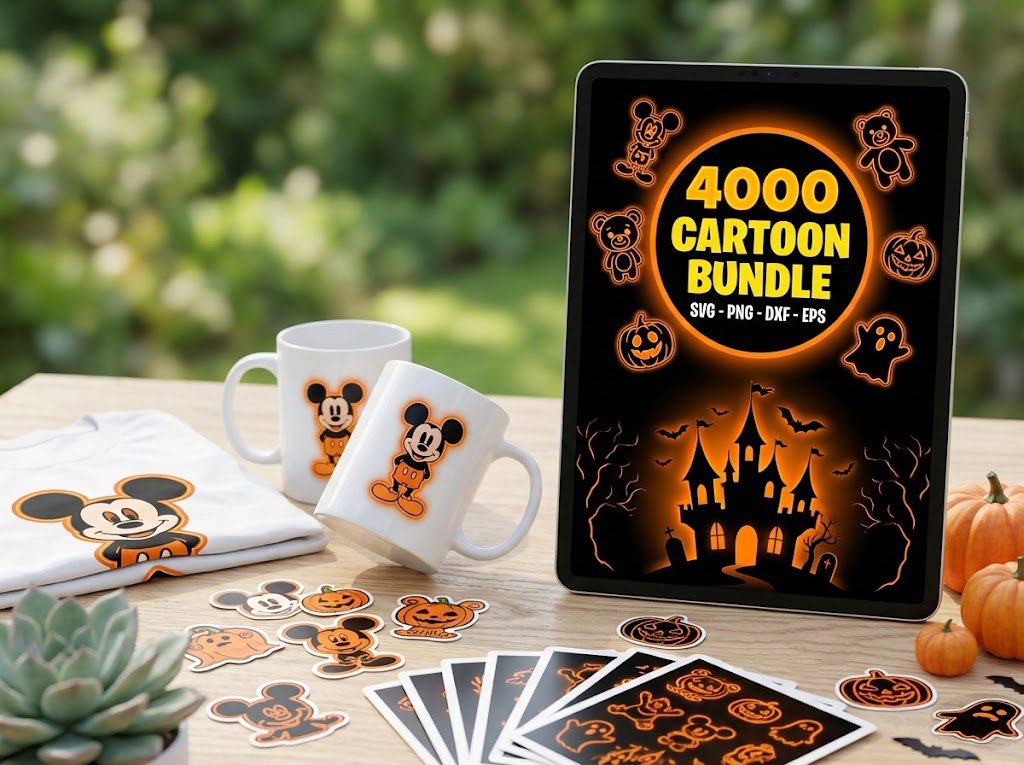
4,000+ Magical Mega SVG Bundle
4,000+ beautifully designed SVG files at an incredible price. Perfect for crafters who want variety without breaking the bank.
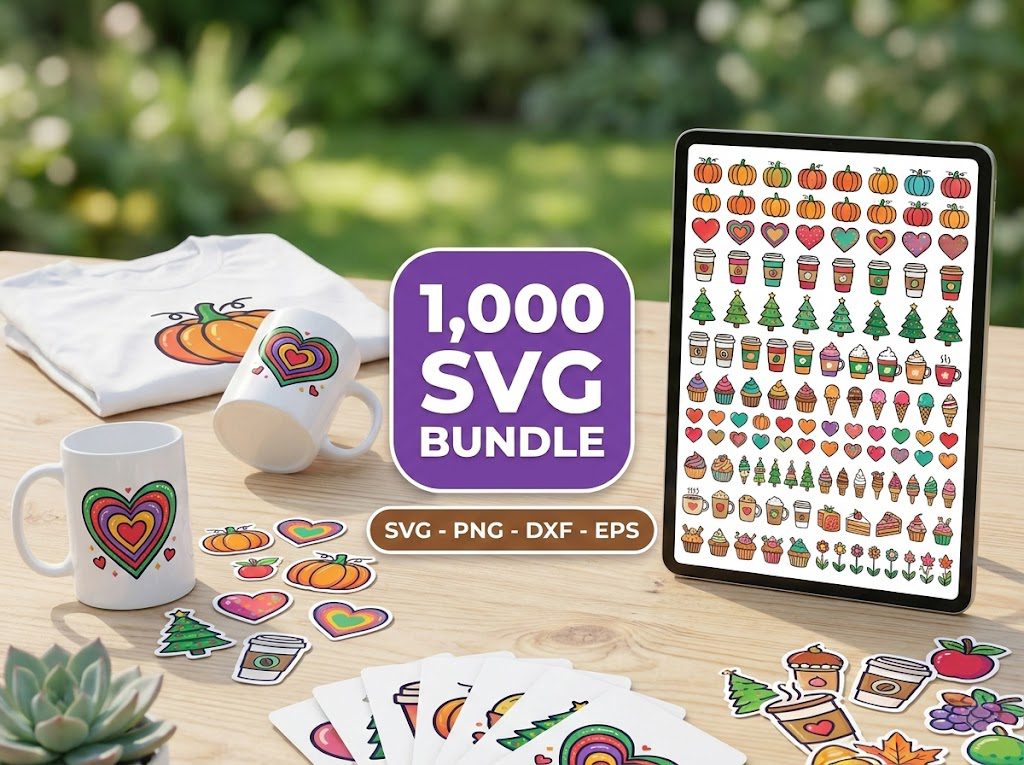
The Ultimate Cricut SVG Collection
Curated specifically for Cricut users — every file is optimized for Design Space with clean cuts and layered designs.
⭐ Best SVG Bundles for Designers at Every Level
🏆 500,000+ Ultimate SVG Mega Bundle — Best Overall
500,000 professional designs spanning every category. Perfect for beginners building a design library and professionals who need maximum variety.
⭐⭐⭐⭐⭐ 4.96/5 (26 reviews)
🔤 45 Elegant Fonts for Cricut — Best for Personalization
Script, serif, and display fonts — all cut-tested with Cricut machines. Perfect for monograms, wedding signs, and name decals.
⭐⭐⭐⭐⭐ 5.00/5 (25 reviews)
🎁 Get FREE SVG Files Today!
100+ free designs — Cricut & Silhouette ready, instant download, no signup needed!
🎁 Want Free SVG Files First?
Not ready to buy yet? Grab our free SVG files — updated weekly, no sign-up required. Perfect for testing your Cricut before investing in a bundle.